Skip to content
Set up my rig
HELLDIVERS 2, official artwork

Best HELLDIVERS 2 settings

Arrowhead's four-player co-op shooter. It is heavy on both CPU and GPU in big fights, so the biggest wins come from shadows, volumetric fog and clouds, lighting, and an upscaler.

Best HELLDIVERS 2 settings at 1080p for an RTX 4060 + Ryzen 5 7600: Ultra with DLSS Quality. Modelled: that PC gets about 145 fps, an RTX 3060 + Ryzen 5 5600 120 fps (Ultra), a GTX 1650 + Core i5-10400 105 fps (High). Calibrated against 32 measured benchmarks. How we estimate this

Updated . Game data researched November 2026.

  • PEGI 18
Genre
Co-op third-person shooter
Developer
Arrowhead Game Studios
Released
2024
Platforms
PC, Xbox, PlayStation
Engine
Autodesk Stingray (modified by Arrowhead)
Researched
Nov 2026

What are the best HELLDIVERS 2 graphics settings?

The setting for every preset, from Low to Ultra. Save your hardware to get one tuned list.

Tell us your hardware once and every game page shows settings for it. Set up my rig

Set up your rig to see which column fits your PC, with an estimate of your frames.

HELLDIVERS 2 graphics settings per preset
SettingLowMediumHighUltra
Display Mode FullscreenFullscreenFullscreenFullscreen
Resolution Your monitor's native resolution; scale with the upscaler instead
Anti-Aliasing Native; DLSS Quality on RTX, FSR Quality on AMD and older GeForce, XeSS on Intel Arc
Dynamic Resolution Scaling OffOffOffOff
Variable Rate Shading BalancedBalancedBalancedBalanced
Low Latency Technologies On with NVIDIA Reflex on GeForce; On with AMD Anti-Lag 2 on Radeon
Framerate Limit 3 below your refresh rate (141 on 144 Hz); uncapped for max FPS
V-Sync Off; use G-Sync or FreeSync with an FPS cap instead
Motion Blur OffOffOffOff
Depth of Field OffOffOffOff
Texture Quality LowMediumHighUltra
Object Detail Quality LowMediumHighHigh
Render Distance LowMediumHighUltra
Shadow Quality LowMediumHighUltra
Particle Quality LowLowMediumHigh
Reflection Quality LowLowMediumHigh
Space Quality LowLowHighHigh
Ambient Occlusion OnOnOnOn
Vegetation and Rubble Density LowMediumHighUltra
Terrain Quality LowMediumHighHigh
Volumetric Fog Quality LowestLowMediumHigh
Volumetric Clouds Quality LowestLowMediumHigh
Lighting Quality LowLowMediumHigh
Use Async Compute OffOffOffOff

How much FPS will I get in HELLDIVERS 2?

Modelled frame rates on the High preset at native resolution, without upscaling or frame generation. Your own rig can differ: check your exact PC.

Estimated HELLDIVERS 2 FPS by graphics card, High preset, with a Ryzen 7 7800X3D and 16 GB RAM
Graphics card 1080p1440p4K
RTX 4090 230 fps200 fps105 fps
RTX 4070 175 fps110 fps60 fps
RTX 4060 105 fps65 fps35 fps
RTX 3060 12GB 85 fps55 fps30 fps
GTX 1650 40 fps25 fps15 fps
RX 7800 XT 180 fps115 fps60 fps
RX 7600 105 fps65 fps35 fps
RX 6600 85 fps50 fps25 fps

These are estimates from our model, not measurements; real results vary with the scene, drivers and background load. Orange numbers are below 60 fps. How we estimate this

What are the best Helldivers 2 tips for more FPS?

How do I show FPS in Helldivers 2?

  1. In Helldivers 2, use the Steam overlay counter: Steam > Settings > In Game > In-game FPS counter, then pick a corner.
  2. In Helldivers 2, alternatively, the NVIDIA app or AMD Software overlay shows FPS, frame time and GPU use.
  3. In Helldivers 2, test in a busy mission, because the menu and ship give much higher numbers than a bug-swarm fight.
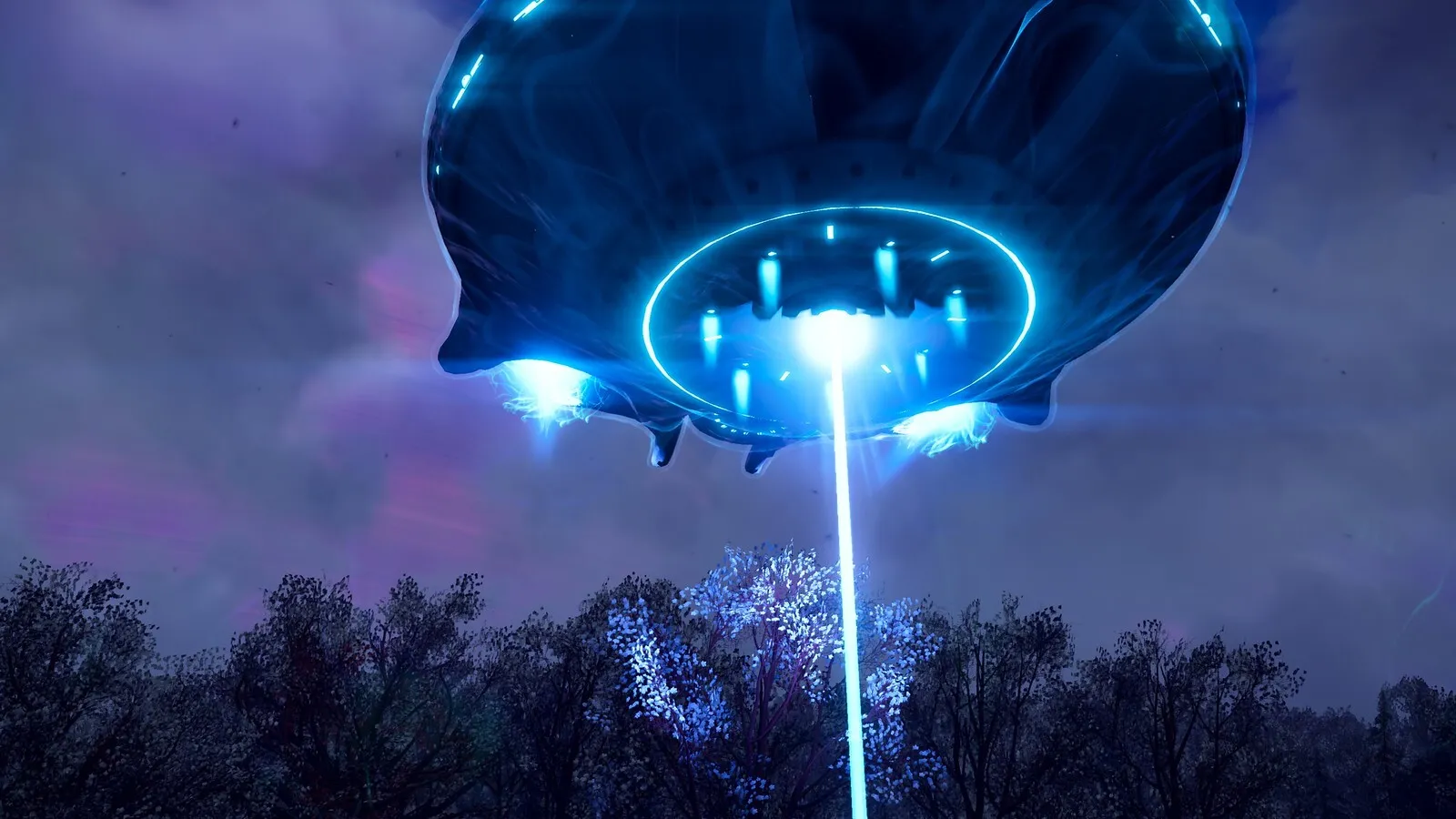
Helldivers 2: Set the upscaler strength with Render Scale

  1. In Helldivers 2, pick DLSS, FSR or XeSS under Anti-Aliasing, then set Render Scale: Ultra Quality is the sharpest, Performance the fastest.
  2. In Helldivers 2, setting Render Scale away from Native with plain TAA switches the game to its basic FSR 1 spatial upscaler.
  3. In Helldivers 2, keep Dynamic Resolution Scaling off so the render scale does not change on its own.

Helldivers 2: Config file and resetting settings

  1. In Helldivers 2, press Win+R, type %APPDATA%/Arrowhead/Helldivers2 and open user_settings.config in a text editor.
  2. In Helldivers 2, back it up before editing. Deleting it resets every setting except input.
  3. In Helldivers 2, signs of a corrupted file are startup crashes, black screens or visual artifacts.

Helldivers 2: Frame generation tools can crash the game

  1. In Helldivers 2, since version 1.007.200 the game uses Easy Anti-Cheat, and third-party frame-generation software may cause crashes.
  2. In Helldivers 2, forcing DirectX 11 is unsupported and can cause black screens or crashes, especially on AMD and Intel GPUs.

News from Steam

All news
HELLDIVERS 2, official artwork

Devoid of Liberty: 7.2.3

Greetings, Helldivers. Today's hotfix tackles crash and bug fixes, as well as unblocking some cosmetic modifications. 🤝 Community Feedback Changes \ Fixed an issue preventing certain cosmetic mods from functioning. 🔧 Fixes Crash Fixes…

Read on Steam (opens in a new tab): Devoid of Liberty: 7.2.3

Developer Blog: November 2026

Hello from Arrowhead, Helldivers! Our latest game update, Update 7.2, has been out for a few weeks now as well as hotfixes. As part of our continued commitment to improved transparency, here are the team’s latest reflections and our next…

Read on Steam (opens in a new tab): Developer Blog: November 2026
HELLDIVERS 2, official artwork

Devoid of Liberty: 7.2.2

*** INCOMING TRANSMISSION FROM SUPER EARTH HIGH COMMAND *** Stratagems AMW-20 APEX Problem we want to solve: Demolition strength was too low resulting in being unable to destroy things that weapons in the same category could (Anti Material…

Read on Steam (opens in a new tab): Devoid of Liberty: 7.2.2

Guides